Work in Xcode from Windows. Without buying a Mac.
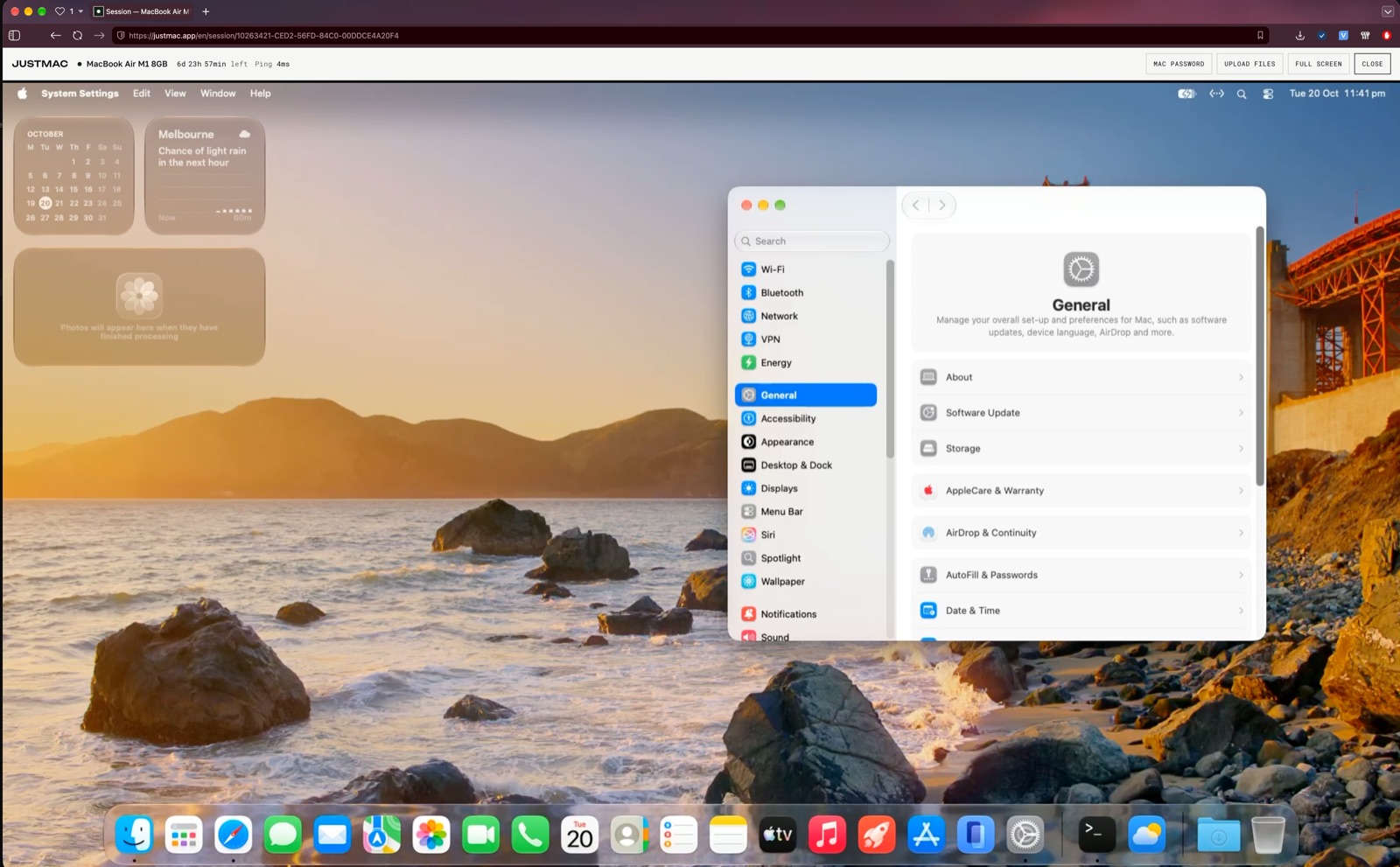
Xcode runs only on macOS. Rent a real Mac and connect to it through your browser from Windows or Linux. Install Xcode yourself, develop iOS apps, test them in the iPhone Simulator and get them ready for the App Store.
1import SwiftUI
2
3struct ContentView: View {
4  @State var taps = 0
5  var body: some View {
6    VStack(spacing: 16) {
7      Text("Hello!")
8        .font(.title)
9      Button("Taps: \(taps)") {
10        taps += 1
11      }
12    }
13  }
14}
How it works
Write code on your computer
Develop the app on Windows or Linux in your usual editor, such as Cursor, VS Code or another tool. Write code and work on the project as usual.
Connect to the Mac
Connect to a real Mac through your browser. Move the project to the Mac, for example with Git: clone your repository, install Xcode yourself and open the project. Build the app and test it in the iPhone Simulator.
Publish your app
Use your own Apple Developer account to sign the build, upload it to TestFlight for testing and, when you are ready, submit the app for App Store review.
Everything for iOS development
Xcode
Swift and SwiftUI development, building and debugging projects. Installed with your own Apple Account.
iOS Simulator
Running and testing apps on simulated iPhones and iPads.
TestFlight · App Store
Signing builds, uploading and publishing apps.
AI tools
Claude Code, Codex, Cursor and other development tools.
Choose a Mac for development
Questions
Can I install Xcode directly on Windows?
No. Apple releases Xcode only for macOS. With JustMac you get a real Mac through your browser and run Xcode on it.
Do I need my own Mac?
No. You can work on the remote Mac from a computer running Windows or Linux. You do not need any Apple device of your own.
Is it a virtual machine or a real Mac?
It is a physical Apple computer in a data centre in Australia. It is yours alone for the whole rental.
Will the iOS Simulator work?
Yes. You can run the iOS Simulator right on the remote Mac and test apps on simulated iPhones and iPads.
Can I publish apps to the App Store?
Yes. You can build, sign and upload apps through Xcode and App Store Connect. To publish, you need your own Apple Developer account.
Can I install other programs?
Yes. You get full administrator rights and can install Xcode, Homebrew, Git, Python, Node.js, AI tools and other programs.
Do I need to install an app to connect?
No. You connect through the browser. There are no extra clients to install.
What happens to my files when the rental ends?
You can renew and keep working. If the rental ends, your data is permanently deleted one hour later. Save the files you need beforehand.
Start building iOS apps on Windows
Do not buy a Mac just for Xcode. Get a real Mac in a few minutes, install Xcode and work right from your browser.