Mac for vibe coding and AI agents
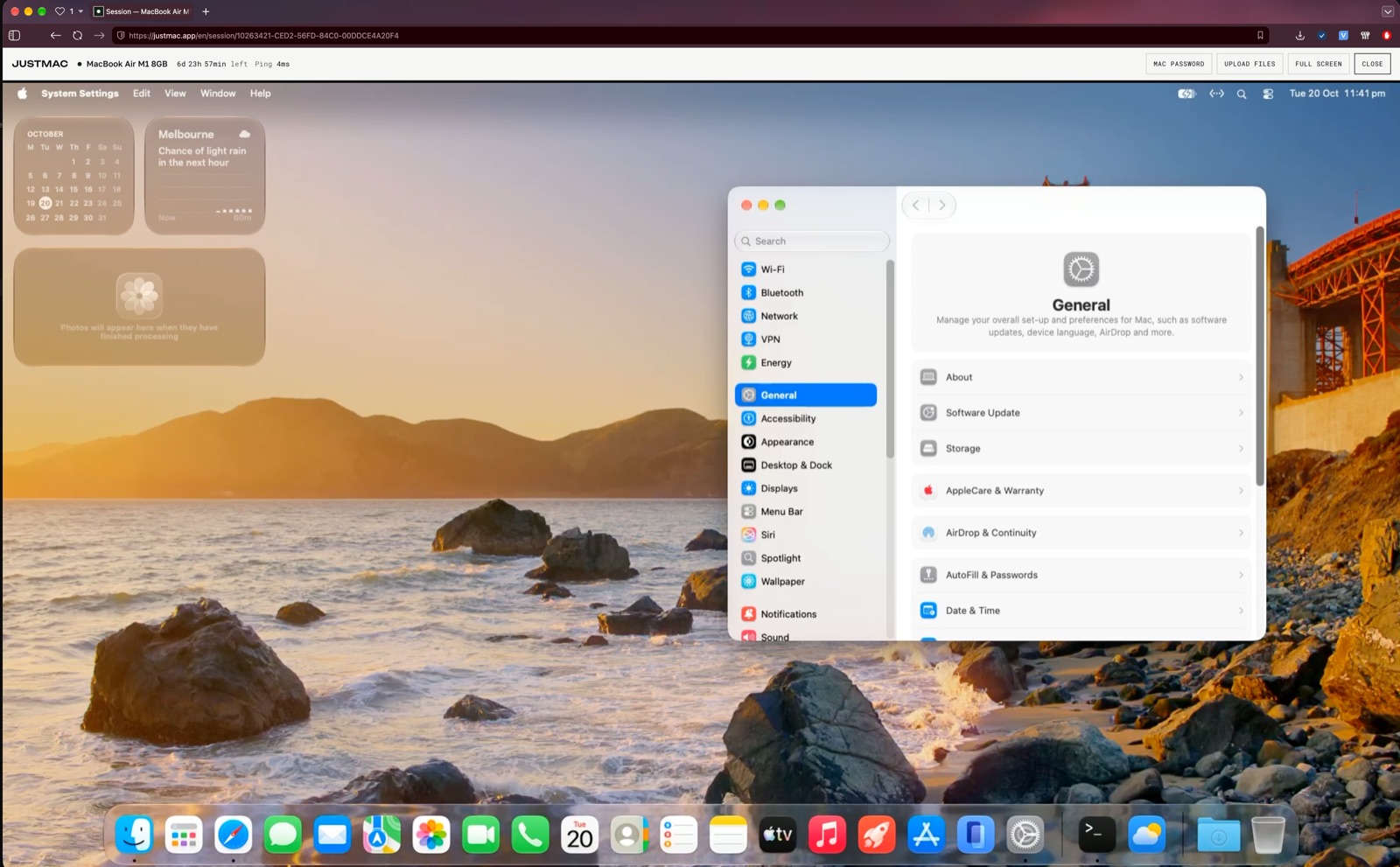
Run Claude Code, Codex and other AI development tools on a separate physical Mac. Set up the environment, work on your projects and leave agents running tasks in the background. Connect to your Mac from a browser on any computer.
1import SwiftUI
2
3struct ContentView: View {
4  @State var taps = 0
5  var body: some View {
6    VStack(spacing: 16) {
7      Text("Hello!")
8        .font(.title)
9      Button("Taps: \(taps)") {
10        taps += 1
11      }
12    }
13  }
14}
Your Mac keeps working even when you disconnect
Run Claude Code and Codex directly on the remote Mac. Leave tasks running in the background and come back to the results later. You do not need to keep your own computer on for the agent to keep working.
Run AI agents on your own remote Mac
A separate environment for your agents
AI agents run on a dedicated physical Mac, not on your main computer. Their files, processes and environment stay on the rented device.
Full control over the environment
Install dependencies, tools and CLI apps, run scripts and set up the environment for your projects.
Agents work independently of your computer
Start long tasks and disconnect. Processes on the remote Mac keep running while your rental lasts.
How it works
Write code on your computer
Develop the app on Windows or Linux in your usual editor, such as Cursor, VS Code or another tool. Write code and work on the project as usual.
Connect to the Mac
Connect to a real Mac through your browser. Move the project to the Mac, for example with Git: clone your repository, install Xcode yourself and open the project. Build the app and test it in the iPhone Simulator.
Publish your app
Use your own Apple Developer account to sign the build, upload it to TestFlight for testing and, when you are ready, submit the app for App Store review.
Building iOS apps on Windows? How to work in Xcode without your own Mac →
Choose a Mac for your work
Why buy a Mac if you need one only now and then?
You do not have to spend hundreds of dollars on a computer you only need for building, testing or publishing iOS apps. Rent a Mac by the day, week or month and pay only for the time you actually need it.
Questions
Does the agent keep working when I close my laptop?
Yes. It runs on the rented Mac, and that Mac does not sleep during your rental.
Do I need my own Mac?
No. You get remote access to a real Mac through your browser. You can connect from Windows, Linux and other computers.
Do I need to install special software?
No. A modern browser is enough: Chrome, Safari, Firefox or Edge.
Can I install Cursor, Claude Code and Codex?
Yes. You get full administrator rights and can install development tools, including AI agents.
Can I build and publish iPhone apps?
Yes. On the remote Mac you can use Xcode and the iOS Simulator, sign apps and upload builds to TestFlight and App Store Connect. Xcode is installed with your own Apple Account, and publishing needs your own Apple Developer account.
Is it a real Mac or a virtual machine?
It is a real physical Apple computer hosted in Australia. It is yours alone for the whole rental.
What happens to my files when the rental ends?
You can renew and keep working. If the rental ends, your data is permanently deleted one hour later. Save the files you need beforehand.
What internet speed do I need?
We recommend a connection of 15 Mbps or more. All devices are hosted in Australia.
Your next project should not wait for a new Mac
Get a full Mac for development. No hardware to buy, no complicated setup and no long-term commitment.