For work.
For development.
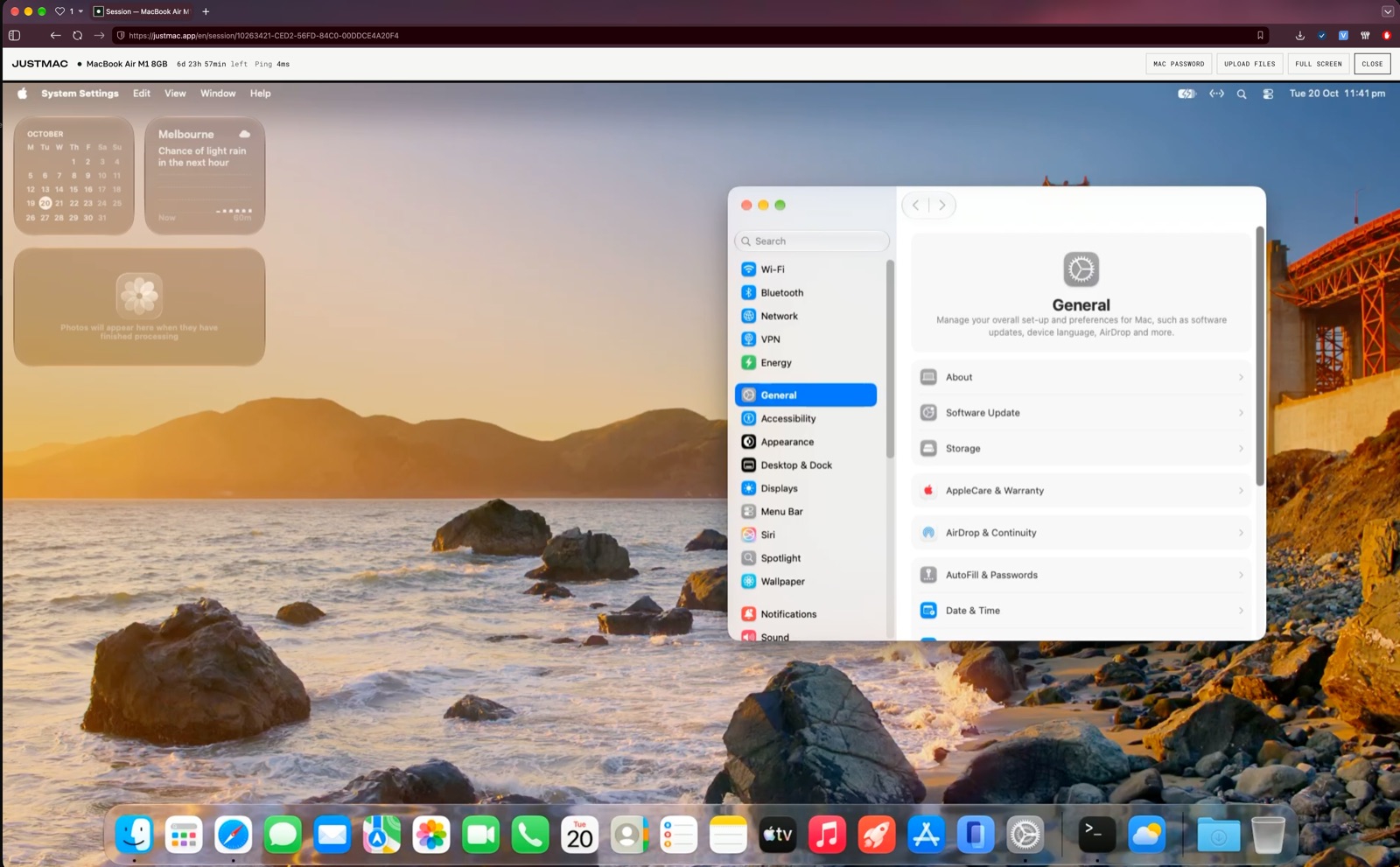
Right in your browser.
1import SwiftUI
2
3struct ContentView: View {
4  @State var taps = 0
5  var body: some View {
6    VStack(spacing: 16) {
7      Text("Hello!")
8        .font(.title)
9      Button("Taps: \(taps)") {
10        taps += 1
11      }
12    }
13  }
14}
Available devices
How it works
Three steps to the Mac desktop.
Choose a free device
The Mac is yours alone for the whole rental.
Pay for the rental
By the day, week or month.
Work in your browser
The Mac's desktop opens right in your browser. Nothing to install.
Questions
All documentation →Do I need to install anything?
No. The Mac opens in a Chrome, Safari, Edge or Firefox tab.
Is it a real device or a virtual machine?
A real Mac hosted in Australia, not a virtual machine. It is yours alone for the whole rental.
What happens to my files after the rental?
One hour after the rental ends, all data is permanently deleted. Until then you can renew it and keep your files. Save what you need beforehand.
Can I sign apps and publish them to the App Store?
Yes. Sign in to your Apple Account in Xcode, sign the build with your own certificate and upload it to App Store Connect or TestFlight.
How do I renew a rental?
Under “My account”, with the “Renew” button. Or turn on auto-renewal. Without it, you get a reminder a day before the rental ends.
What internet speed do I need?
15 Mbps or more. The devices are hosted in Australia.