Build your iOS version. No Mac of your own.
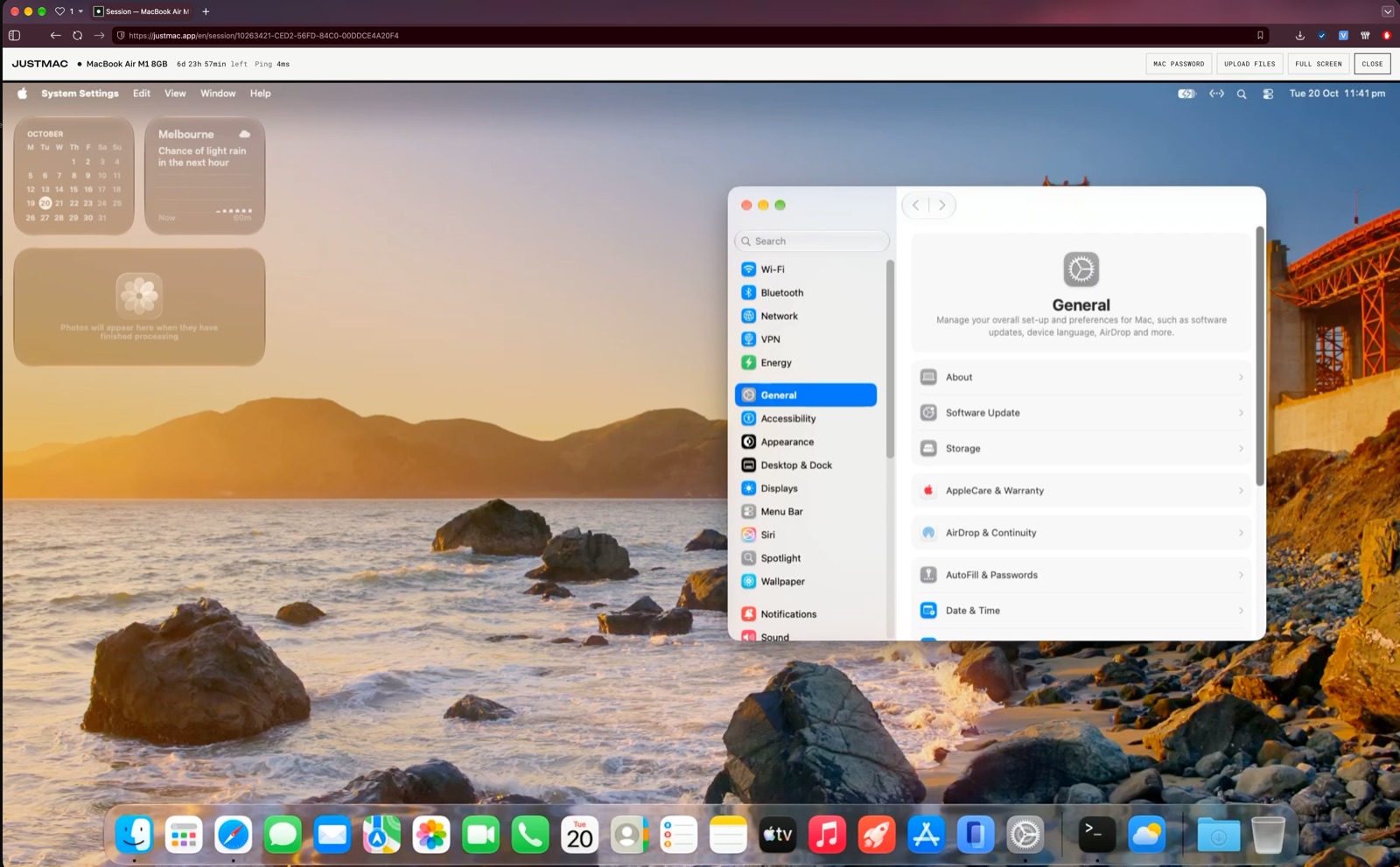
You already have an Android build, but iOS needs Xcode, and Xcode only runs on macOS. Rent a Mac, build the app and test it in the iPhone Simulator.
1import SwiftUI
2
3struct ContentView: View {
4  @State var taps = 0
5  var body: some View {
6    VStack(spacing: 16) {
7      Text("Hello!")
8        .font(.title)
9      Button("Taps: \(taps)") {
10        taps += 1
11      }
12    }
13  }
14}
How to build a Flutter app for iOS
Six steps from a fresh Mac to a finished build.
brew install --cask flutter and brew install cocoapods in Terminal.flutter pub get.open -a Simulator, then flutter run. Your app opens on a virtual iPhone.ios/Runner.xcworkspace, Signing & Capabilities tab. Then flutter build ipa builds the archive for upload.Using React Native instead?
Same steps, different commands.
brew install node cocoapods.npm install, then cd ios && pod install.npx react-native run-ios launches the app in the Simulator. With Expo, use npx expo run:ios.Choose a Mac for development
Questions
How long does the first build take?
Downloading Xcode takes the longest. Building the Flutter project takes less, and later builds are faster than the first.
Do I need an Apple Developer account?
Not to run the app in the Simulator. To send it to the App Store or TestFlight, yes: you need an Apple Developer Program membership.
How long should I rent for?
If the project already runs on Android, building and checking the iOS version doesn't take long. If you expect to fix native dependencies, rent for longer.
What happens to my files when the rental ends?
You can renew and keep working. If the rental ends, your data is permanently deleted one hour later. Save the files you need beforehand.