AWS EC2 Mac alternative
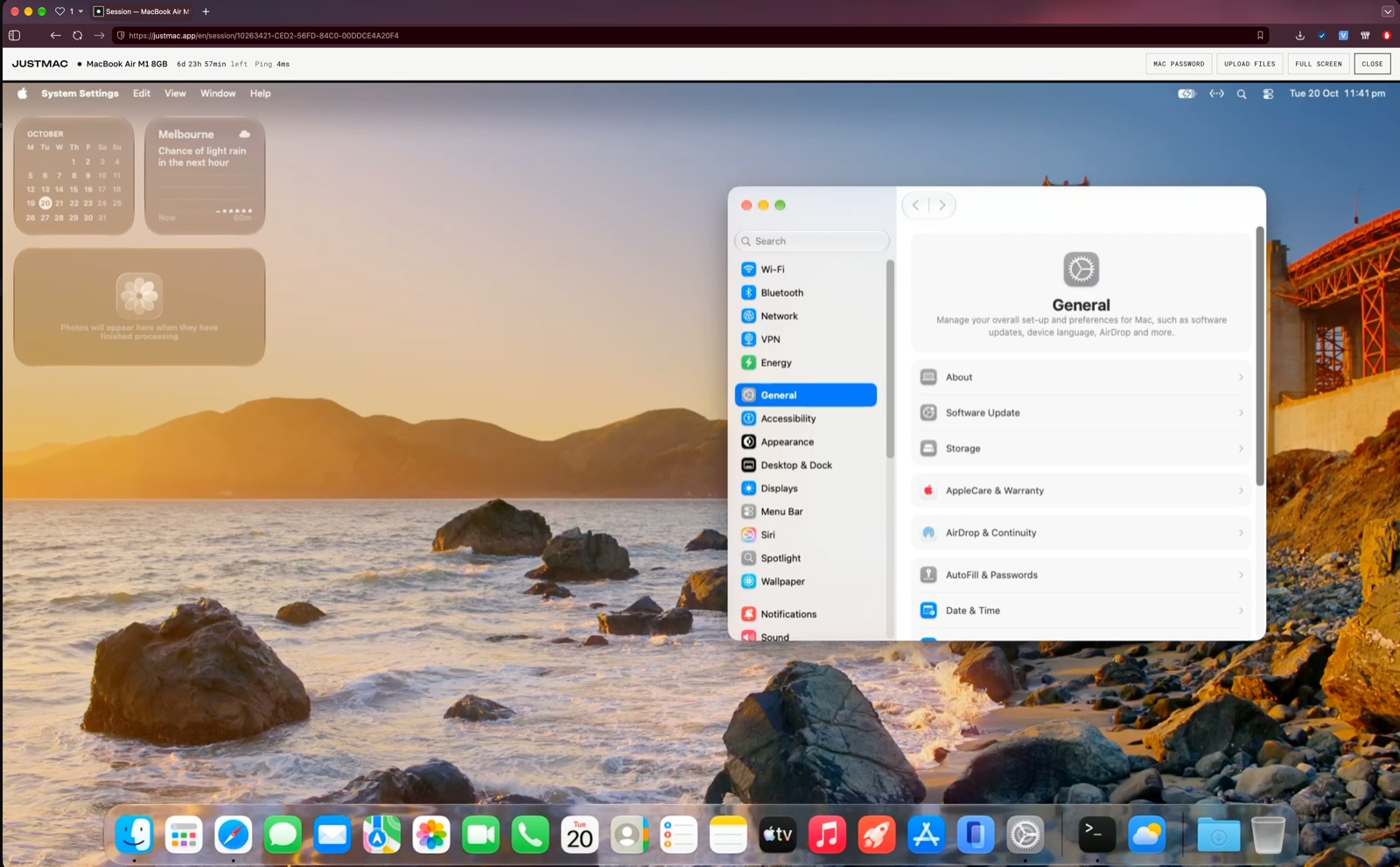
Amazon EC2 Mac instances run on dedicated Mac minis in AWS, billed per second with a 24-hour minimum: from $0.65 an hour for M1 and $1.23 for M4 in us-east-1. You set up the host, the macOS image and the network yourself. JustMac is ready about 30 seconds after payment, and the desktop opens in a browser tab.
1import SwiftUI
2
3struct ContentView: View {
4  @State var taps = 0
5  var body: some View {
6    VStack(spacing: 16) {
7      Text("Hello!")
8        .font(.title)
9      Button("Taps: \(taps)") {
10        taps += 1
11      }
12    }
13  }
14}
JustMac and AWS EC2 Mac side by side
| JustMac | AWS EC2 Mac | |
|---|---|---|
| Mac | MacBook Air M1, macbook pro m1, Mac mini M2, Mac mini M4 | Mac mini M1 on a dedicated host (M4: $1.23 an hour) |
| Per hour | not offered: whole days only | $0.65 |
| Per day | from $10 | $15.60 |
| Per week | from $35 | |
| Per month | from $79 | |
| Minimum rental | 1 day | 24 hours per dedicated host (Apple's licence) |
| How you connect | In a browser tab, nothing to install | SSH or Session Manager; Screen Sharing must be turned on |
| Administrator rights | Yes, full administrator rights | Yes |
| The Mac | A dedicated physical Mac, one customer at a time | A dedicated host in your AWS account |
| Where | Australia | Many AWS regions |
Choose JustMac if
- you want the Mac's desktop in a browser tab, with no VNC or remote desktop app;
- you need a Mac for a day or a week, not a contract;
- you want full administrator rights on a Mac nobody else uses;
- you work from Asia-Pacific: the Macs are hosted in Australia.
Choose AWS EC2 Mac if
- Fits teams already on AWS: automation, infrastructure as code, IAM.
- Many regions around the world, and larger M-series machines.
Available devices
All busy
Questions
How is JustMac different from AWS EC2 Mac?
Amazon EC2 Mac instances run on dedicated Mac minis in AWS, billed per second with a 24-hour minimum: from $0.65 an hour for M1 and $1.23 for M4 in us-east-1. You set up the host, the macOS image and the network yourself. JustMac is ready about 30 seconds after payment, and the desktop opens in a browser tab.
When is AWS EC2 Mac the better choice?
Fits teams already on AWS: automation, infrastructure as code, IAM. Many regions around the world, and larger M-series machines.
Do I need to install an app to use JustMac?
No. The Mac's desktop opens in Chrome, Safari, Edge or Firefox. There are no extra clients to install.
What happens to my files when the rental ends?
You can renew and keep working. If the rental ends, your data is permanently deleted one hour later. Save the files you need beforehand.