For web developers and testers
Test your site in Safari. From Windows.
Many layout bugs appear only in Safari, and Safari runs only on Apple devices. Rent a real Mac, open your site in Safari and debug it with Web Inspector, right from your browser.
Works in Chrome, Safari, Edge and FirefoxStarts in ~30 secondsAustralian serviceYour ping
▶MyApp › iPhone 16● Build Succeeded | 0:48
▾ MyApp
MyAppApp.swift
ContentView.swift
Assets
Info.plist
▸ Tests
1import SwiftUI
2
3struct ContentView: View {
4  @State var taps = 0
5  var body: some View {
6    VStack(spacing: 16) {
7      Text("Hello!")
8        .font(.title)
9      Button("Taps: \(taps)") {
10        taps += 1
11      }
12    }
13  }
14}
14:32
Hello!
iPhone 16 — Simulator
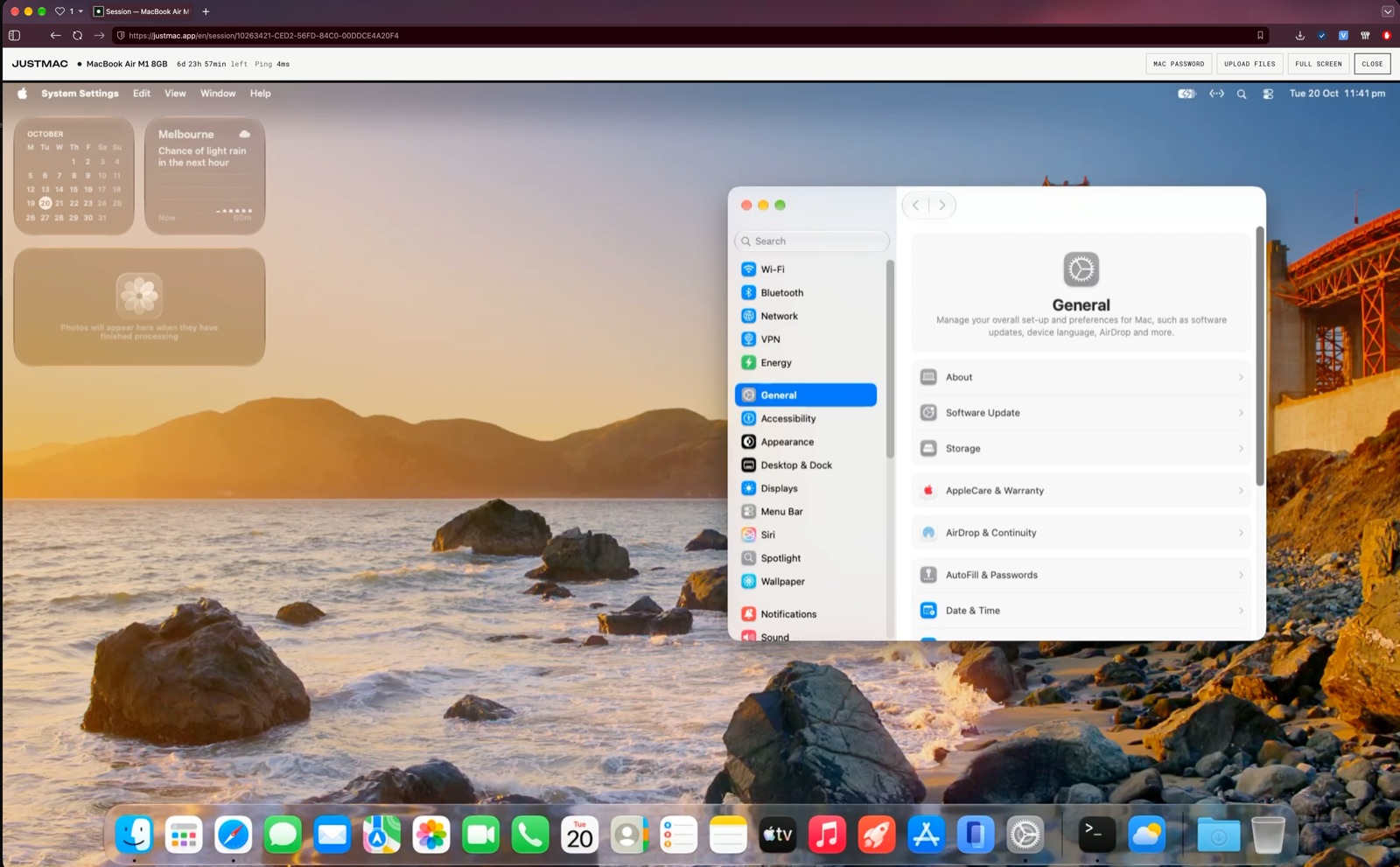
How to test a website in Safari
From a fresh Mac to a found bug in a few minutes.
01Rent a MacAny of our Macs will do: Safari is already installed.
02Open your site in SafariType the address of your site or its staging version, the same way your users would.
03Turn on Web InspectorIn Safari settings, open the Advanced tab and turn on “Show features for web developers”. Then right-click the page and choose Inspect Element.
04Check iPhone and iPadInstall Xcode from the App Store, run
open -a Simulator and open your site in Safari on a virtual iPhone. Inspect it from the Develop menu in Safari on the Mac.05Look aheadInstall Safari Technology Preview from Apple's developer site to see how your site works in upcoming Safari versions.
Choose a Mac for testing
All busyModelStatusDayWeekMonth

MacBook Air M1 Popular
8CPU·8GB·256GB·macOS 27.2.1
2 available
Mac mini M2
8CPU·16GB·256GB·macOS 27.2.1
1 available
Mac mini M4
10CPU·16GB·256GB
Questions
Is there Safari for Windows?
No. Apple stopped updating Safari for Windows in 2012. The current Safari runs only on macOS, iOS and iPadOS.
Can the Mac open my localhost?
Not directly: the Mac is not on your network. Open a staging address, or share your local server through a tunnel such as ngrok or Cloudflare Tunnel.
Which Safari version will I get?
The version that comes with the Mac's macOS. To see what is coming next, install Safari Technology Preview next to it.
What happens to my files when the rental ends?
You can renew and keep working. If the rental ends, your data is permanently deleted one hour later. Save the files you need beforehand.